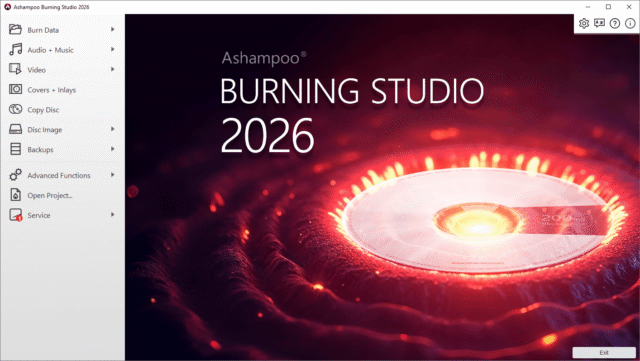
Ashampoo has released Burning Studio 2026 for Windows. While most new PCs no longer include optical drives, many people still rely on discs for cars, stereos, DVD players, and older hardware that can’t use USB storage or cloud services.
The new program can burn, copy, rip, or back up data to CD, DVD, and Blu-ray, including higher-capacity formats like BDXL. While Burning Studio 2026 is priced at $30, you can grab it for free.
Burning Studio 2026 features
Burning Studio 2026 keeps the usual set of disc jobs in one place, while adding a small feature change around music ripping. It includes fixes from the newly released Burning Studio 27 too.
The app supports writing files to single discs or splitting larger sets across multiple discs with disc spanning.
It can copy CDs, DVDs, and Blu-ray discs and create disc image files such as ISO or CUE and BIN, with built-in browsing and previews for checking contents before burning or archiving.
Burning Studio 2026 can rip music CDs, auto-detect tracks, and create playlists during ripping to preserve track order. The new edition also reads existing CD text when available and uses it automatically, reducing the need for manual naming.
The software supports audio CD creation and copying and includes tools for designing and printing covers and inlays across disc types, which is useful for labeling collections without relying on separate design tools.
Burning Studio 2026 includes options to back up files to CDs, DVDs, USB drives, or external hard drives, and it supports backing up data from phones, tablets, and other external devices.
A scratch protection feature is included to improve readability on damaged discs, helping preserve access when media inevitably degrades.
Burning Studio 2026 normally costs €30, but you can get it for free by using this link.
What do you think about Ashampoo Burning Studio 2026? Let us know in the comments.